
Business Process Automation Services in Opa-Locka





Hidden Inefficiencies Are Slowing Your Business
What Business Process Automation Helps Solve
Manual Work That Consumes Valuable Time
Disconnected Systems That Create Duplicate Effort
Bottlenecks That Slow Work Down
Processes That Are Hard to Scale
Business Processes We Commonly Automate
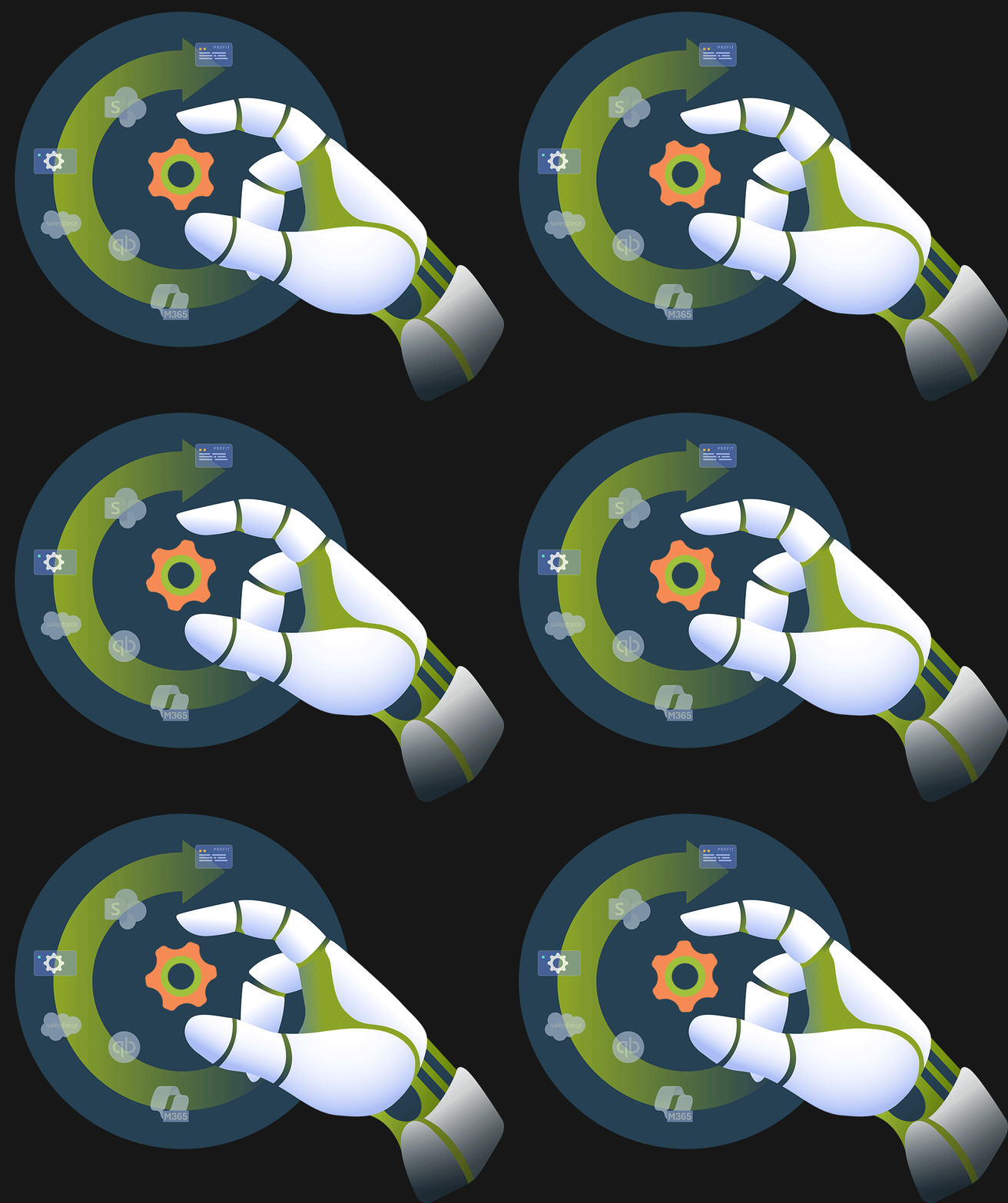
BCA helps organizations in Opa-Locka automate workflows across departments, operations, and business systems.
Customer and Sales Operations
Finance and Administration
HR and Employee Workflows
Service and Support Operations
Document and Data Management
Compliance and Reporting
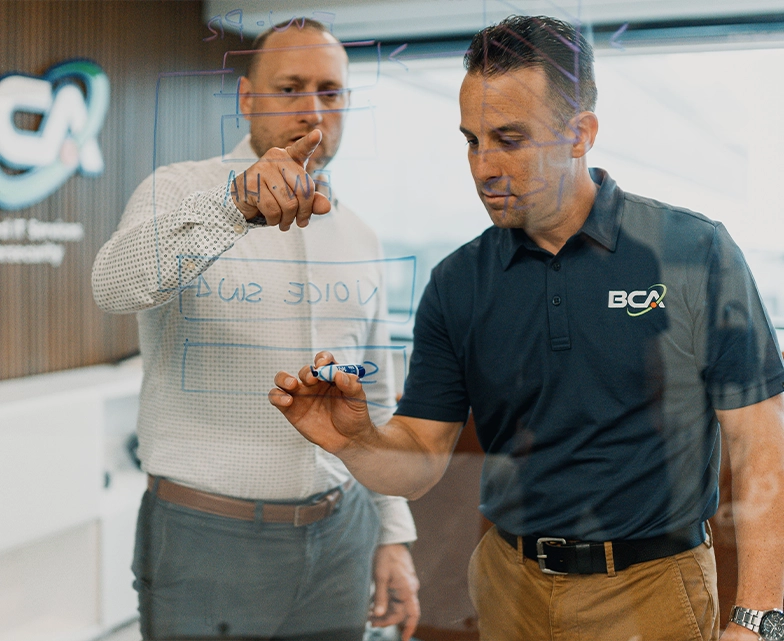
Our Approach to Business Process Automation
Turn inefficient workflows into connected processes that save time and reduce friction.
Why Work With BCA for Business Process Automation?

Why Work With BCA for Business Process Automation?
As a managed IT service provider, BCA combines technical expertise, systems integration experience, and a strong focus on security and governance to deliver effective business process automation. We connect applications, data sources, workflows, and users within your existing technology environment while incorporating access controls, data protection, compliance requirements, and operational guardrails. Every solution is designed around measurable business outcomes, including reduced friction, increased productivity, lower costs, and more efficient operations.
Business Process Automation FAQs
Understand how automation can reduce repetitive work, improve accuracy, lower costs, and help your business scale more efficiently.
Business process automation is the use of technology to streamline repetitive tasks, approvals, data entry, notifications, document routing, and other workflows. It helps organizations reduce manual effort, improve consistency, and operate more efficiently.
Start with processes that are repetitive, time-consuming, error-prone, or dependent on manual handoffs. Common starting points include customer onboarding, invoice processing, approvals, CRM updates, employee onboarding, service requests, and reporting workflows.
Yes. Many automation solutions are designed to connect with existing applications such as Microsoft 365, CRM platforms, ERP systems, accounting software, help desk tools, and industry-specific applications. BCA helps evaluate your current environment and identify the best integration approach.
A workflow may be a good candidate for automation if it follows repeatable steps, requires frequent manual updates, involves multiple systems, creates delays, or depends on employees moving information from one place to another.
The goal of automation is not to replace employees. It is to remove repetitive, low-value work so employees can focus on more strategic, customer-focused, and revenue-generating activities.
Business process automation can reduce costs by lowering the amount of time employees spend on repetitive work, reducing errors, minimizing rework, and improving how resources are used. It can also reduce delays caused by manual handoffs, disconnected systems, and inefficient approval processes.
BCA identifies where manual effort is increasing operational costs and implements automation that helps improve efficiency without adding unnecessary complexity.
AI business process automation uses artificial intelligence to make workflows smarter, more adaptive, and more capable. Instead of only following fixed rules, AI-powered automation can help classify documents, summarize information, analyze data, assist with decision-making, route requests, and support more complex workflows.
BCA helps organizations identify where AI can enhance automation while keeping security, governance, and business outcomes at the center of the strategy.
End-to-end business process automation means automating an entire workflow from start to finish rather than only automating one individual task. For example, an end-to-end invoice workflow may include invoice intake, data extraction, approval routing, payment status updates, and reporting.
BCA helps organizations evaluate full workflows so automation can improve the entire process, not just one step.